AI Work Scratchpad for Support Teams
Smart Paste and Notes for support teams
The short answer
ClipMate helps support teams reuse replies, troubleshooting steps, links, and internal context without recording every clipboard change. Save stable templates deliberately in searchable Notes, reuse saved prompts, and use Smart Paste to make the current reply clearer or adjust its tone before sending. Signed-in users can sync Notes and prompts across devices.
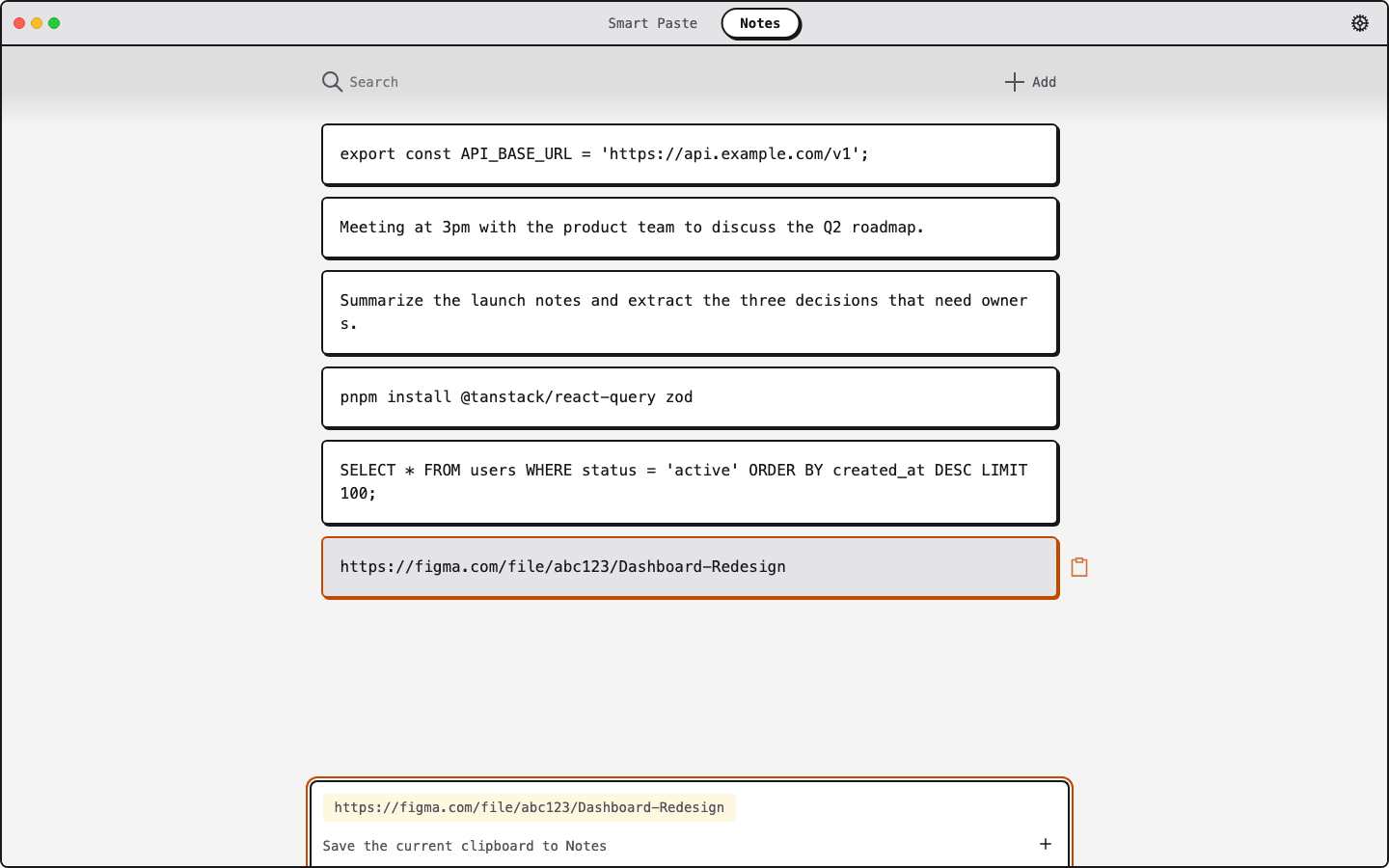
A calmer loop for repeated replies
Keep reusable support context
Save approved replies, URLs, and troubleshooting steps in searchable Notes instead of recording copied customer details.
Adjust tone before sending
Use Smart Paste to make a reply clearer, more concise, more professional, or easier to translate before you send it to a customer.
Save only stable context
Add approved team templates to Notes only when they should persist or sync after sign-in; the current clipboard remains ephemeral.
Fits the tools your team already uses
ClipMate works alongside any helpdesk or browser on macOS and Windows 11. Sign in for 3 free Smart Pastes/day; Pro raises the limit to 25/day and adds priority support.
Keep approved support context close
Download ClipMate free and keep reusable support context in synced Notes.